

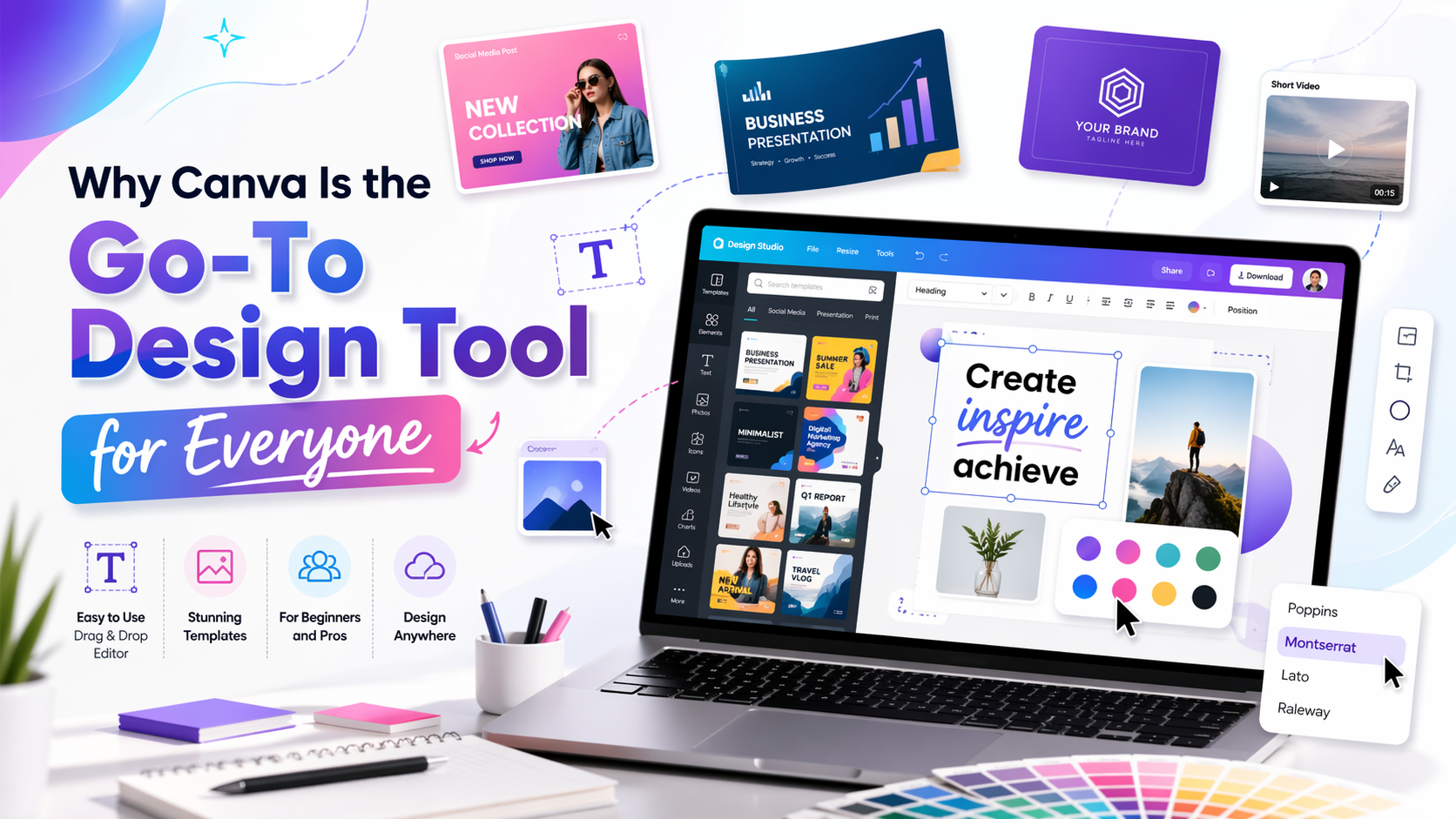
If you’ve ever stared at a blank PowerPoint slide or clicked around Photoshop’s toolbar for ten minutes just to crop a photo, you already understand why Canva exists. It launched in 2013 as a drag-and-drop design tool and now has over 170 million users across 190 countries. That’s not a niche audience. That’s basically everyone.
So what’s actually going on here?
Canva is a browser-based design tool. You open it, pick a template, swap in your text and images and download the result. No software installation. No tutorials. Works on a phone too, if that’s your thing.
It handles social media posts, presentations, logos, flyers, resumes, short videos, menus, pitch decks. The template library runs into the millions at this point. If you need something designed, there’s almost certainly a starting point already built for you.
The honest reason is friction. Before Canva, making something decent-looking meant either hiring a designer or investing real time into Illustrator or Photoshop neither of which most people wanted to do for a simple Instagram graphic or a quick presentation.
Canva cut that down to minutes. The drag-and-drop editor doesn’t require explanation. You resize things, change colors, upload a photo, and you’re done. Most users never go deeper than that and they don’t need to.
The free tier is genuinely useful, which isn’t always the case with premium tools. You get thousands of templates, basic editing and limited storage. For occasional use, it works fine.
Canva Pro runs around $15/month (or $120/year) and the main additions are:
- The full template and element library – over 100 million assets
- Background remover (this alone justifies the cost for a lot of people)
- Brand Kit – saves your exact colors, fonts, and logo in one place
- Magic Resize – reformats a design for different platform sizes automatically
- 1TB of cloud storage
- A growing set of AI tools for generating images, copy and design suggestions
For anyone creating content consistently freelancers, marketers, small business owners . Pro is worth the math. The Brand Kit and background remover together save a noticeable amount of time each week.
This is Canva’s real home. If you’re maintaining a visual presence across platforms without a design team, it’s hard to find a better tool at this price.
You can lock in your brand colors and fonts once, then use them across every design without thinking about it. Templates get duplicated and updated in a few minutes. Animated posts, short videos, presentations with live links are features that used to require entirely separate apps are all inside Canva now.
Canva works for pretty much everyone like beginners who’ve never touched a design tool, marketers managing multiple platforms, small business owners who need consistent branding and content creators churning out posts daily.
The free plan gives you a real head start. And if you find yourself using it regularly, Pro is one of the more straightforward upgrades you can make. The time it saves on repetitive tasks adds up fast.